The occurrence book nobody can quietly rewrite.
BastionOB replaces the paper book for private security teams, police units and custody facilities. Every entry is numbered, time-stamped, sealed and can never be edited. The records stay on your own server.
Sample data. The buttons show how the program behaves.
One book for every place that keeps a log.
The same program, with starting points for each kind of work. Each book has its own entry types, extra questions and shifts.
Private security
Patrol checks, visitor and contractor sign-ins, incidents and alarm activations for each site, with monthly summaries you can hand to a client.
Security teamsLaw enforcement
The station or patrol occurrence book: incidents, property and exhibits with bag and seal numbers, checks and shift handovers, each tied to the officer who wrote it.
Police unitsCustody facilities
Watchhouse and holding-cell logs: incidents by category, items found with where they came from and how they were found, and a clear thread when something needs following up.
Custody managersSafeguarding the information comes first.
An occurrence book holds some of the most sensitive things an organisation writes down. BastionOB is designed around that, and says plainly where its protection stops.
Nothing is edited, ever.
Entries can be added to but not changed or deleted in the program. A correction is a new entry linked to the original, so the history stays whole.
Sealed before it is saved.
What happened, where, and the extra details of every entry are encrypted before they reach the database file. A copied file or a backup is unreadable on its own.
The key is not with the data.
The key lives outside the data folder and, on Windows, is tied to the account the service runs as. Moving to a new server needs a recovery key that only an administrator can create.
Tampering shows.
Entries are chained together with a keyed checksum. One built-in check finds any entry that was edited, removed or re-ordered directly in the database file.
What your people actually use.
Plain screens that work on a desktop, a tablet at the counter or a phone on patrol.
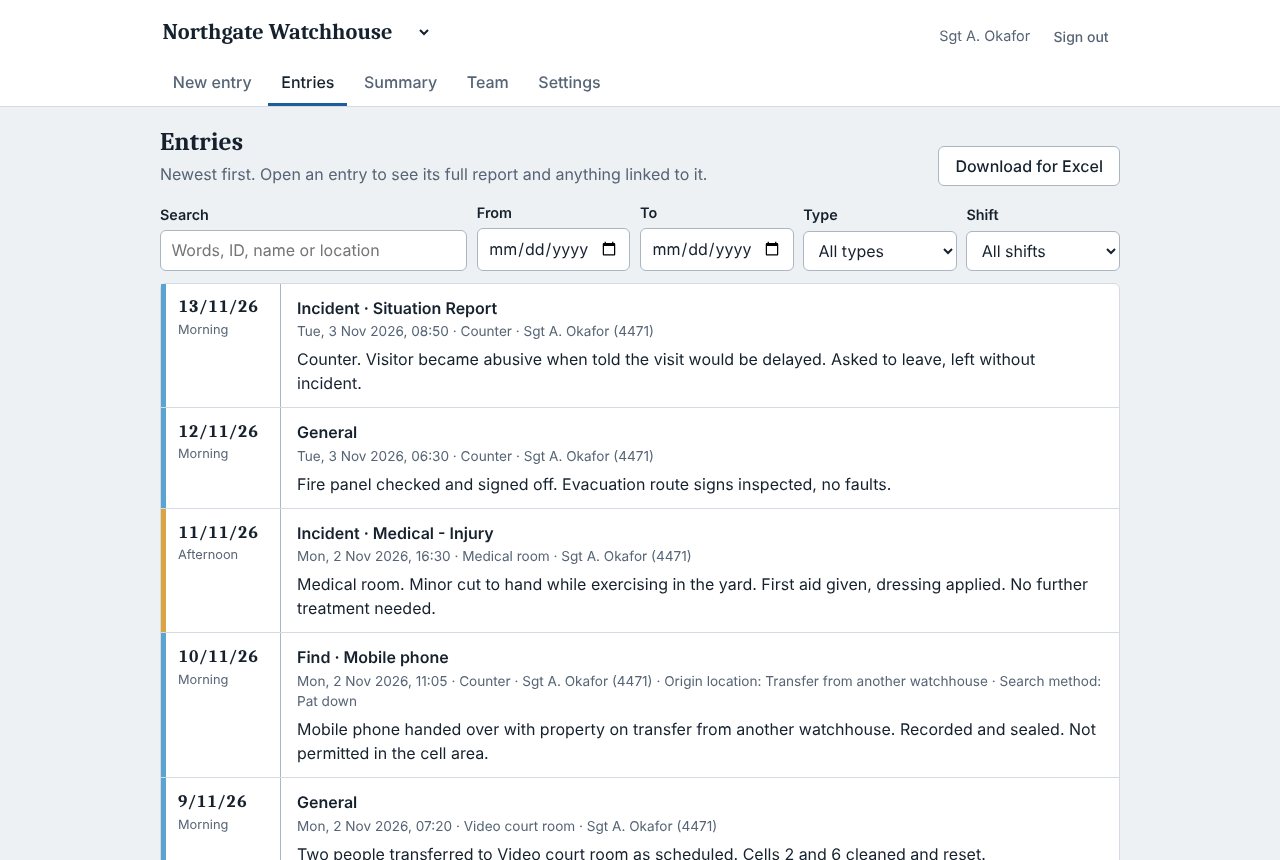
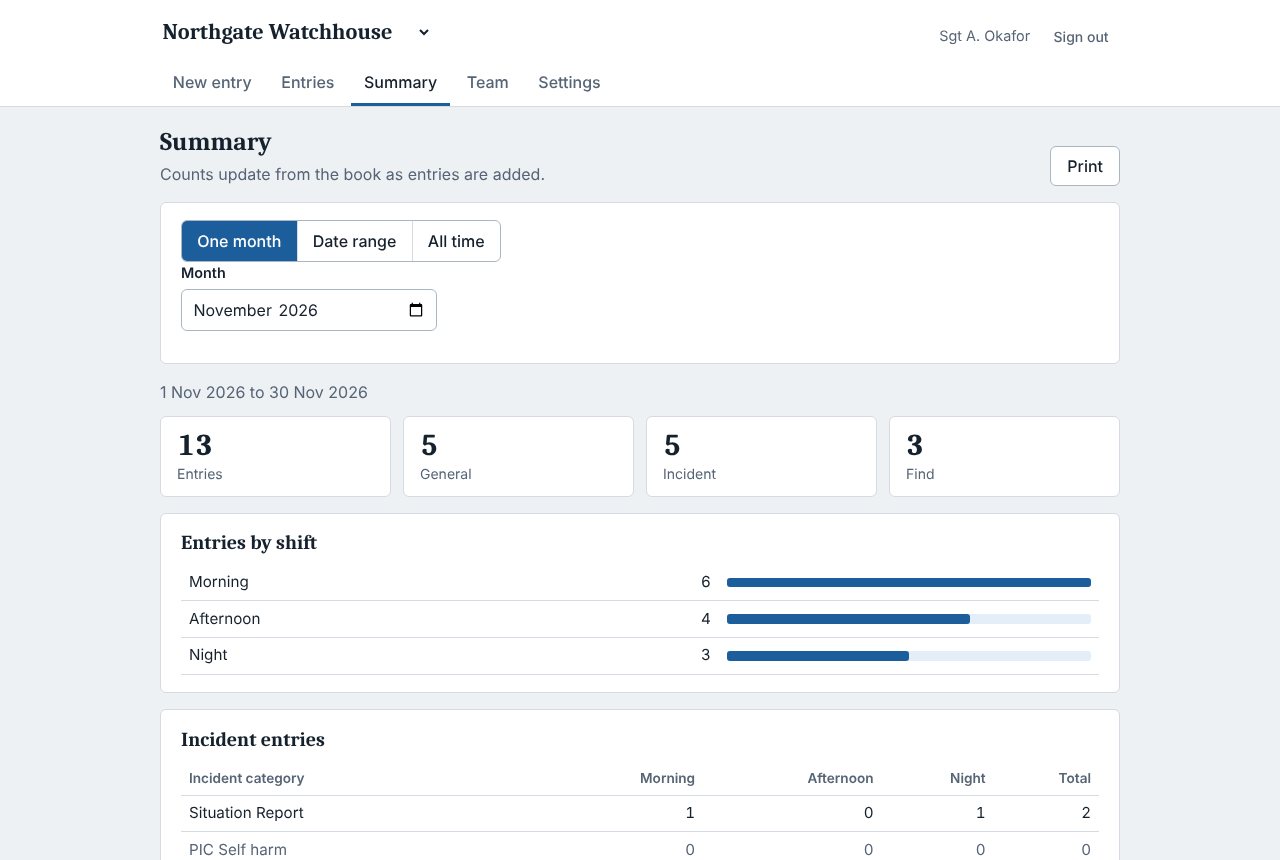
Sample data from a made-up facility.
Alarm and tracking systems can write straight into the book.
Each connected system gets its own secret key, can be limited to certain entry types, and can be switched off at any time. It does not use up a user seat. Anything that can send a web request can add an entry, and repeated deliveries are recognised, not duplicated.
- One key per system, shown once, stored only as a hash
- Limit a key to the entry types it may send
- Entries show which system sent them
POST /api/ingest/v1/entries
Authorization: Bearer eobk_…

{
  "externalId": "ALM-20931",
  "entryType": "Incident",
  "category": "Alarm activation",
  "location": "Loading dock",
  "description": "Door contact opened outside hours.",
  "reportedAt": "2026-11-14T02:41:00+10:00"
}
Installed on your own server by your own IT team.
BastionOB is installed on a Windows server you control, so entries are not sent to us or anyone else. A full installation guide for IT administrators comes with it.
Choose a plan
Basic, Standard, Advanced or Large by number of users. Corporate is quoted.
Download and install
Unzip the package and run INSTALL.bat as administrator. It runs in the background and starts with the computer.
Enter the licence key
Create the first administrator. The program checks the licence once a day.
Add people and connect systems
Administrators add each person. Alarm and tracking systems get their own keys.
Where this stands.
BastionOB is pre-release. The shop runs in test mode, so no real payments are taken yet. We have not obtained an independent security certification, and the security page lists what the protection does not cover.
If you want to see it working, the demo book is open now.